
Your e book ready in no time
With the Publizr online flipbook creator you can convert your PDF file to a page flip user manual in a snap. Your web e book can be viewed in a stylish reader on desktops and mobile devices.
Learn more >
Do you want to add your user manuals in an inspiring way on your web site? It doesn't matter how nice your user manuals are, your audience will not get excited if you add a simple PDF file on your web site. A PDF file also has to be downloaded every time in full before it will open!
With the Publizr online flipbook creator you can quickly convert your PDF files into inspiring e books that open directly. Your audience will love to share your user manuals via social networks and email! New audience will also be reached because every single word in your online publications can be indexed by search engines, like Google. By adding links to your web shop, visitors of your e books will be converted to customers. Self publishing your PDF file made easy! You can even make turning pages user manuals for FREE!
With the Publizr online flipbook creator you can convert your PDF file to a page flip user manual in a snap. Your web e book can be viewed in a stylish reader on desktops and mobile devices.
Learn more >
Turn visitors into customers. Add links to your web shop and YouTube videos in your turning pages user manual with the user friendly Publizr digital publisher editor. Your sales will definitely increase!
Learn more >
Your turning pages user manuals offer an outstanding display quality with razor sharp text and illustrations. Your audience will be eager to share your e books on social media.
Learn more >
Vector based qualityEngage your audience with unrivalled, vector based display quality. Text and illustrations are shown razor sharp, even with pages zoomed in. 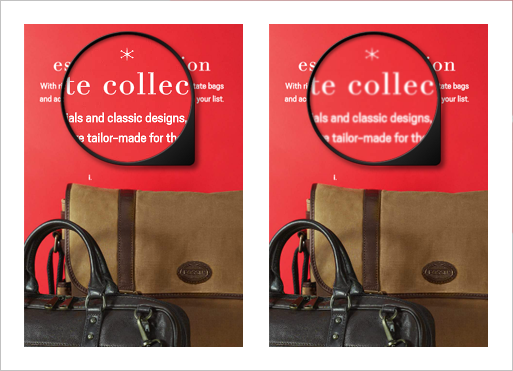
|
Multi-page flip effectYour audience will enjoy the ultra smooth turning pages including the multi-page flip effect when various pages flip at the same time. 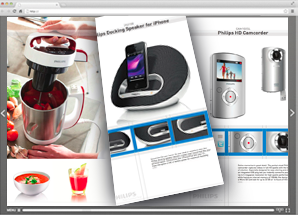
|
Clean readerThe modern menu within the publication not only is an eye-catcher, but also eliminates distracting icons so that your e book gets full attention. 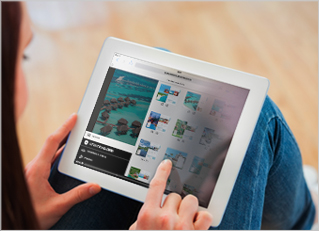
|
Upload PDF & GoMake your e book in minutes! Just drag & drop your PDF file. Even all detected hyperlinks and email addressess are automatically made clickable! 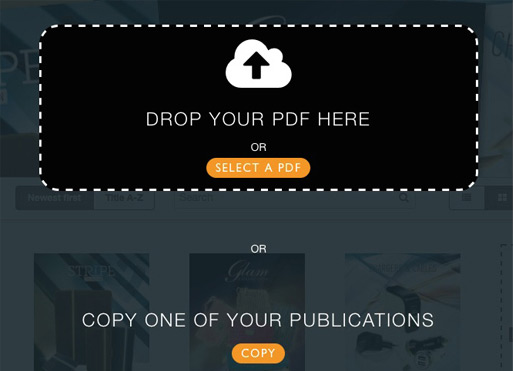
|
Link EditorWith the easy to use Drag & Drop Editor you can add hyperlinks and page links easily. The snap feature enables you to align frames perfectly. 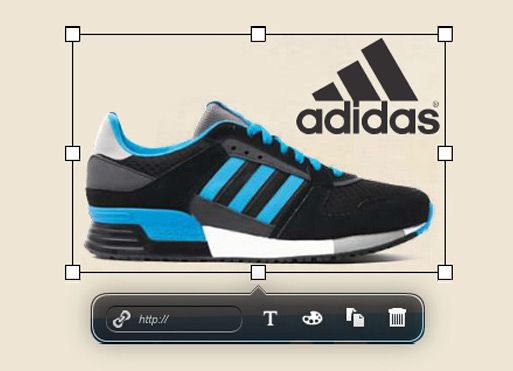
|
IOS and AndroidYour e books can be viewed on desktops and mobile devices. They open instantly in the mobile browser optimized for iOS and Android. 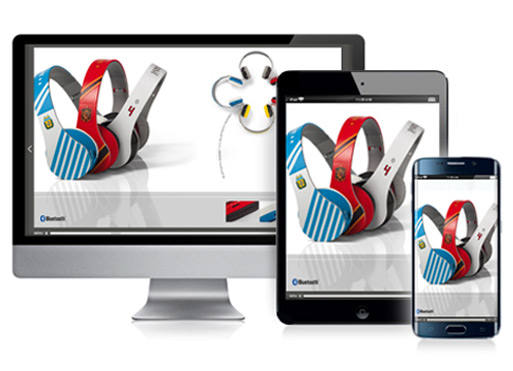
|
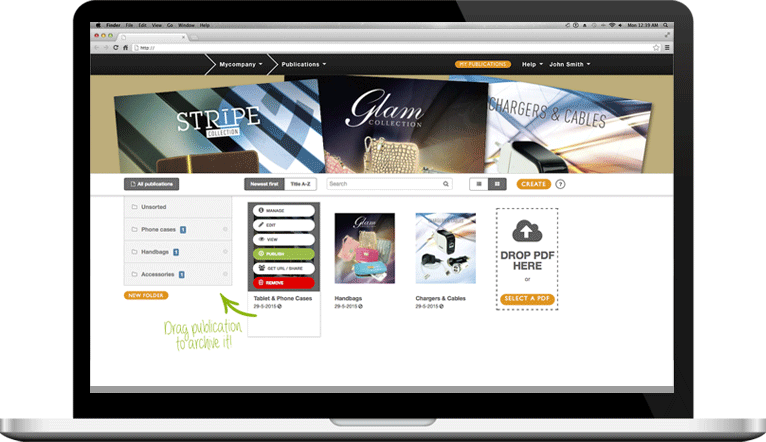
We're trusted by many nationally recognized brands to local companies, so you're in good company! They have one thing in common: they want to convert their simple PDF files into inspiring turning pages user manuals that open instantly and can be viewed on desktops and mobile devices. And as a result leading to higher sales results.
At Publizr we are passionate about offering the best PDF file online flipbook creator. To help you make top quality online publications: online magazines, ecatalogs, online pamphlets and flyers, digital brochures, e books, online books, newspapers, journals and more. View some examples and get inspired! With our easy to use online flipbook creator self making turning pages user manuals is very easy. We strive for the best. That's our signature.








Self making turning pages user manuals is easy with our PDF file online flipbook creator! You can keep your e books online as long as needed. All online publications include unlimited bandwith and software updates and you don't need a web host.
First, create a free account without having to enter your credit card details. Next, you can convert your PDF files and make as many e books as you want, making use of all Publizr features. You can add turning pages user manuals on your web site and remove publications whenever you like. At the end of the 14-day free trial period you choose which plan is right for you. You can continue with the free plan as well.