
Create a flip book organization report in minutes
With the Publizr publisher suite you can turn your Adobe PDF to a flip book organization report in a snap. Your online page turning eBook can be viewed in a stylish reader on desktops.
Learn more >
No matter how good-looking your organization reports are, you will not impress your prospects if you present a flat PDF version on your site. Next to that, a Adobe PDF has to be fully downloaded before it will open!
With our page flip book organization report publisher suite you can easily turn your Adobe PDFs into fascinating eBooks that open instantly. Within minutes you can create page flip book organization reports and impress your prospects with a fascinating experience with smooth-turning pages and interactive features unavailable in print. For example, URL and page links, including links to your web shop and videos. You can reach new prospects while saving money on printing and distribution and reducing your carbon footprint. Self publishing page flip book organization reports couldn't be easier! And guess what? There's even a possiblity to publish Adobe PDFs online for FREE!
With the Publizr publisher suite you can turn your Adobe PDF to a flip book organization report in a snap. Your online page turning eBook can be viewed in a stylish reader on desktops.
Learn more >
Enrich your page flip book organization report with hyperlinks to web pages and YouTube videos as well as links to other pages within your eBook. You can also customize the look and feel to match your brand by setting your house style colors.
Learn more >
Even on the biggest monitors and pages zoomed in, your text and illustrations are shown crystal clear without any pixelation occurring. No need to say that this will increase the reading experience of our prospects dramatically.
Learn more >
Razor sharpImpress your prospects with unrivalled, vector based display quality. Text and illustrations are shown razor sharp, even with pages zoomed in. 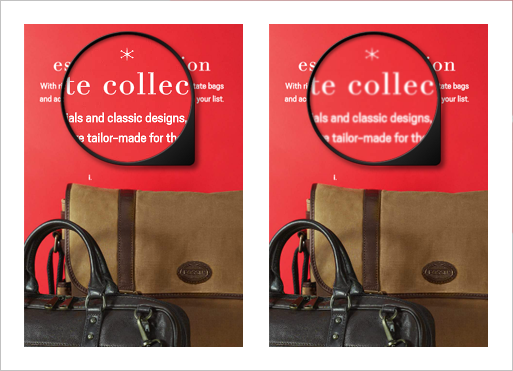
|
Multi-page flip effectYour prospects will surely rave about the smoothly turning pages and the multi-page flip effect when browsing several pages at once. 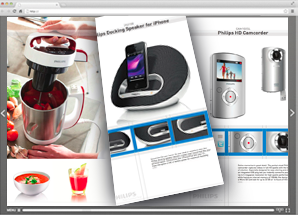
|
Modern menuThe awesome menu results in a pleasant reading experience. Due to the clean reader your page flip book organization's report stands out. 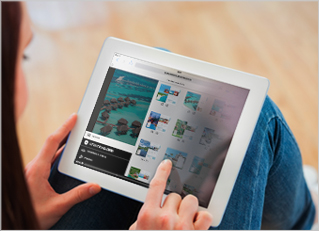
|
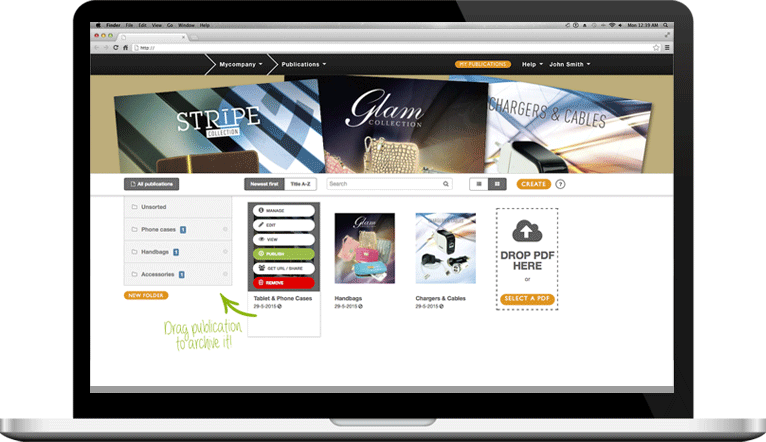
Quick PDF conversionCreating your page flip book organization's report is a breeze. Drag & drop your Adobe PDF and your eBook is ready within a few minutes. Easy does it! 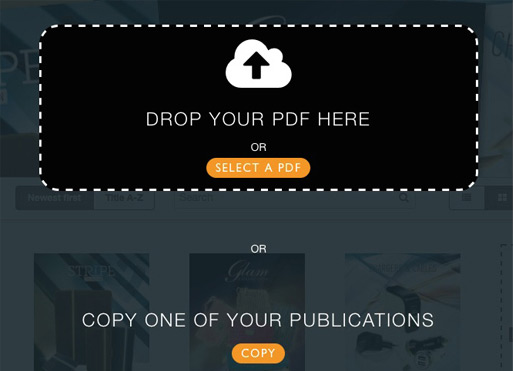
|
Easily add linksAdding hyperlinks and page links is a breeze with the user-friendly editor. Just drag & drop frames and align them perfectly with the snap feature. 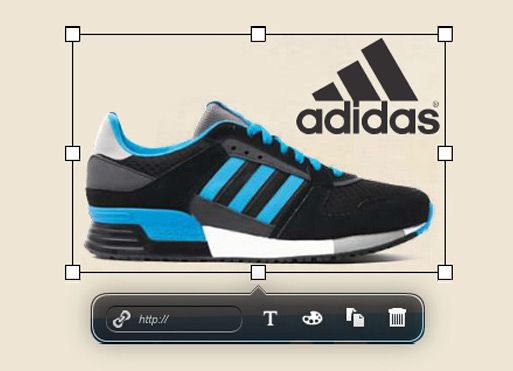
|
No apps neededYour page flip book organization reports open directly on desktops in the mobile browser, optimized for iOS and Android. 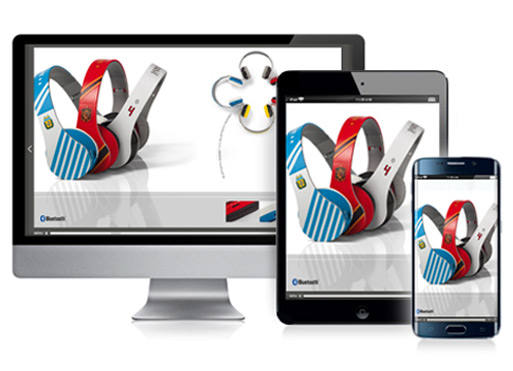
|
Publizr is trusted by many well-known brands, with clients ranging from startups to large businesses in all types of industries. Our clients like to turn their flat Adobe PDFs into fascinating page flip book organization reports that impress their clients and can be viewed on desktops. With visitors being converted into clients as a result.
We are passionate about offering the best Adobe PDF publisher suite. To help you create top quality digital publications: interactive pamphlets and flyers, online brochures, ecatalogs, eBooks, online lookbooks, journals, manuals and more. View some examples and get inspired! Create your free account and start creating page flip book organization reports with the user-friendly publisher suite, too!









The user-friendly Publizr Adobe PDF publisher suite enables you to create unlimited page flip book organization reports with ease. You can keep your publications online as long as you prefer. All eBooks include unlimited bandwidth and software updates for free and you don't need a web host.
After you have created your free account, you can make use of all Publizr features for 14 days without entering your credit card details. You can convert your Adobe PDFs and create as many page flip book organization reports as you like. You can embed} eBooks on your blog and share them on Facebook and Google+. After the free trial period you choose if you like to continue with a premium or free plan.