
Show turning pages academic guides in minutes
Change your Adobe PDF into a digital page flip edition without technical skills required. Your turning pages academic guides can be viewed on desktops and iPad & Android devices instantly.
Learn more >
Do you want to show your academic guides in an impressive way on your blog? Even if you have beautiful academic guides you will not excite your clients if you show a static PDF edition on your blog. A Adobe PDF also has to be downloaded in full before it opens!
Publizr offers the most easy to use flipbook tool to change your Adobe PDF into an impressive turning pages academic guide that opens immediately. In no time you can create a web flipbook and excite your clients with an interactive experience with the smoothest-turning pages and functionality not available in your printed edition. For example, hyperlinks and internal links, including links to your online store. By showing a responsive online edition of your academic guide on your blog, your turning pages academic guide is always available for your clients, viewable on desktops and iPad & Android devices. Online academic guide publishing made easy! You can even publish Adobe PDFs for FREE!
Change your Adobe PDF into a digital page flip edition without technical skills required. Your turning pages academic guides can be viewed on desktops and iPad & Android devices instantly.
Learn more >
Impress your customers with interactivity in your turning pages academic guide. Add URL links to web pages, for example links to your web shop and YouTube videos. Use your publication to increase your sales.
Learn more >
Your turning pages academic guides offer an outstanding display quality with razor sharp text and illustrations. Your clients will be eager to share your flipbooks on social media.
Learn more >
Unrivalled display qualityPublizr offers exceptional display quality. Your clients can zoom in pages without text and illustrations becoming unsharp. 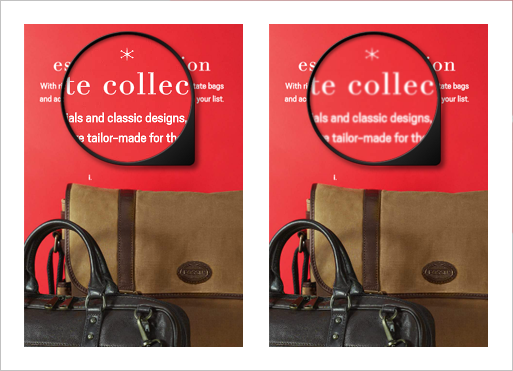
|
Smoothly turning pagesYour clients will surely rave about the smoothly turning pages and the multi-page flip effect when browsing several pages at once. 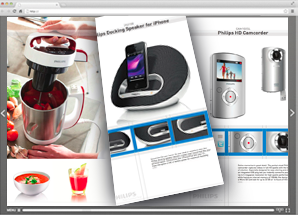
|
Intuitive menuThe awesome menu results in a pleasant reading experience. Due to the clean reader your turning pages academic guide stands out. 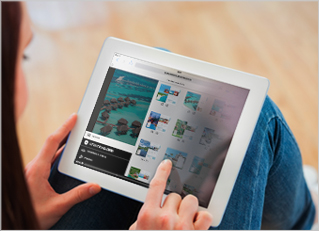
|
Upload PDF & GoYou can change your Adobe PDF into a web flipbook in a snap. With all detected URLs and email addresses even made clickable! 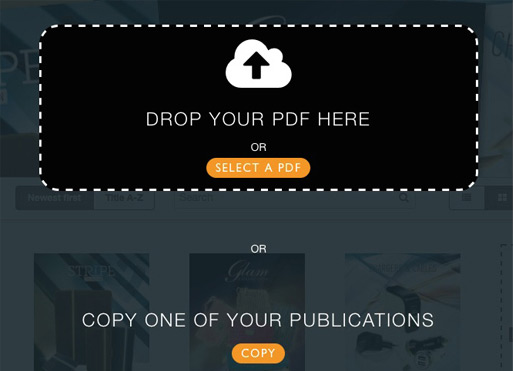
|
Drag & Drop EditorEasily add URL and page links with the simple Drag & Drop Editor. Link frames snap to the edges of other frames for quick positioning. 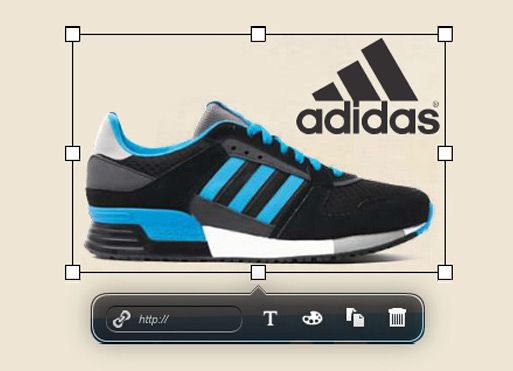
|
IOS and AndroidYour turning pages academic guides can be viewed multiplatform. You don't have to create expensive apps or your visitors having to download those. 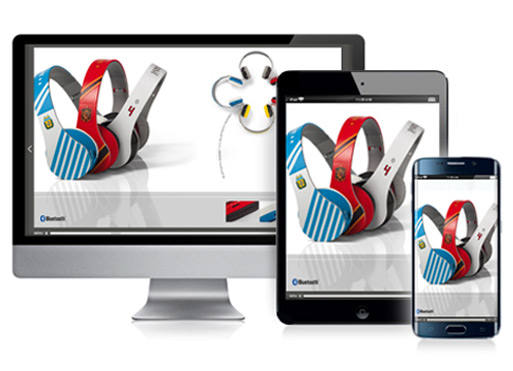
|
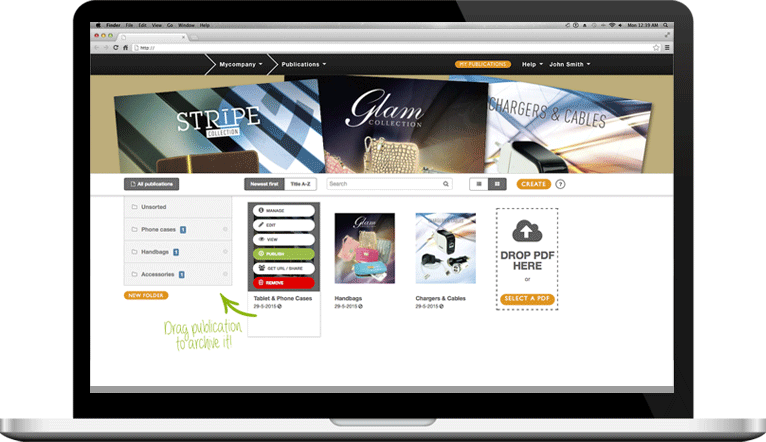
Publizr is trusted by many smart companies. Our customers range from small companies to multinational corporations. They have one thing in common: they want to change their static Adobe PDFs into impressive turning pages academic guides that open instantly and can be viewed on desktops and iPad & Android devices. Due to its unrivalled quality and impressive reading experience, Publizr has proven to offer all types of companies valuable advantages, converting vistors into customers.
With the easy to use Publizr Adobe PDF flipbook tool all kinds of online publications can be created: online magazines, digital catalogs, responsive digital brochures, flipbooks, online newspapers, journals, flyers, pamphlets, lookbooks and more. View some examples and be inspired! Create your free account and start creating turning pages academic guides with our easy to use flipbook tool yourself as well!









With the easy to use Publizr Adobe PDF flipbook tool you can create as many turning pages academic guides as you like. You can even publish flipbooks for free! You can use your online publications for an unlimited period without additional bandwith or web host fees being charged. We use the best server networks so that your clients all over the globe can view your publications as fast as possible.
Self creating turning pages academic guides is easy! Create a free account without the need to enter your credit card details. Next, convert your Adobe PDFs and create as many flipbooks as you like and show them on your blog. After your 14-day free trial period you can choose which premium or free plan is right for you.